Payment Message Templates
Apptoto sends automated messages to clients when payments and refunds are processed. Learn how to customize these templates
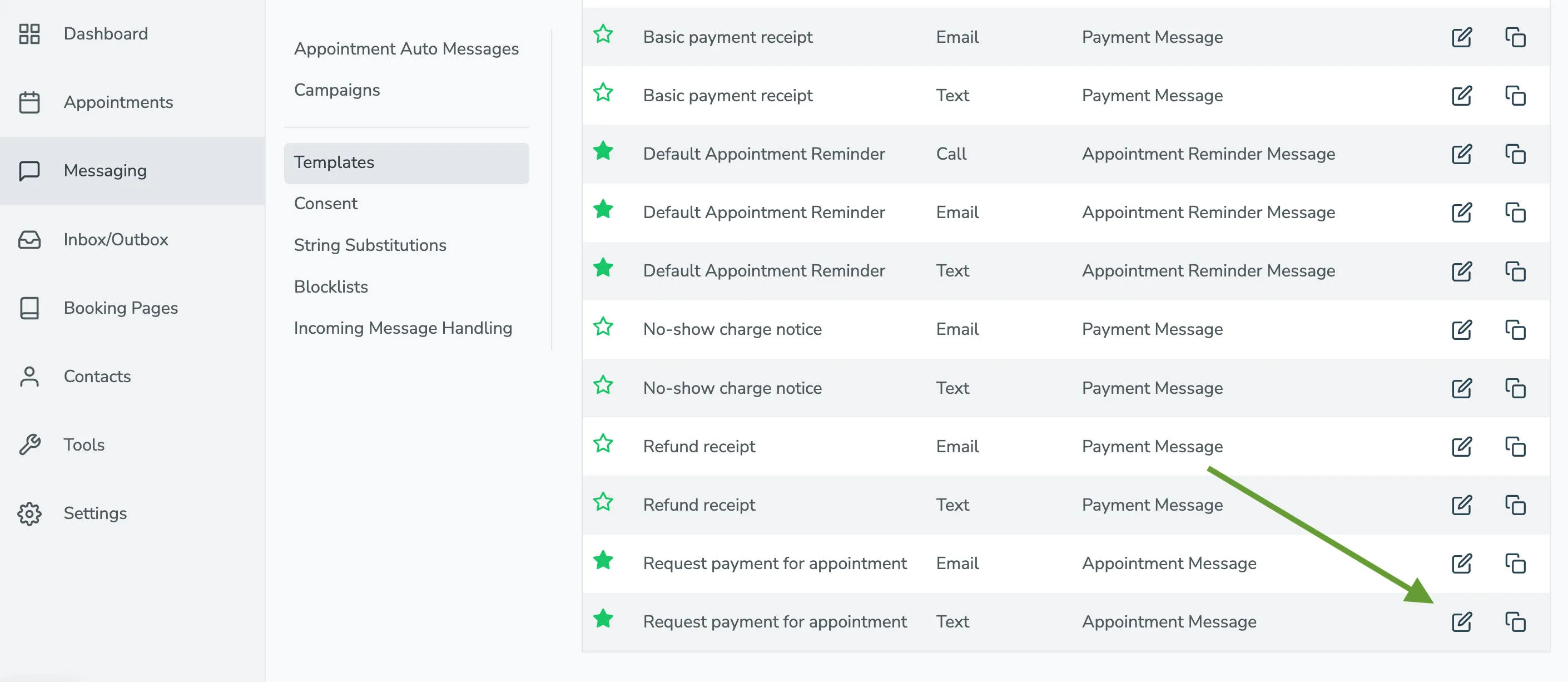
Payment Message Templates can be managed on the Messaging > Templates tab.
The four built-in payment templates are:
| Template | When it’s sent |
|---|---|
| Basic Payment Receipt | Sent to the client whenever a charge completes |
| No-show Charge | Sent whenever a no-show fee is charged |
| Refund Receipt | Sent whenever a refund is issued |
| Request payment for appointment | Sent to a client when a payment is needed |
Editing a payment message template
Section titled “Editing a payment message template”To edit a template, click the pencil icon next to it on the Templates page.