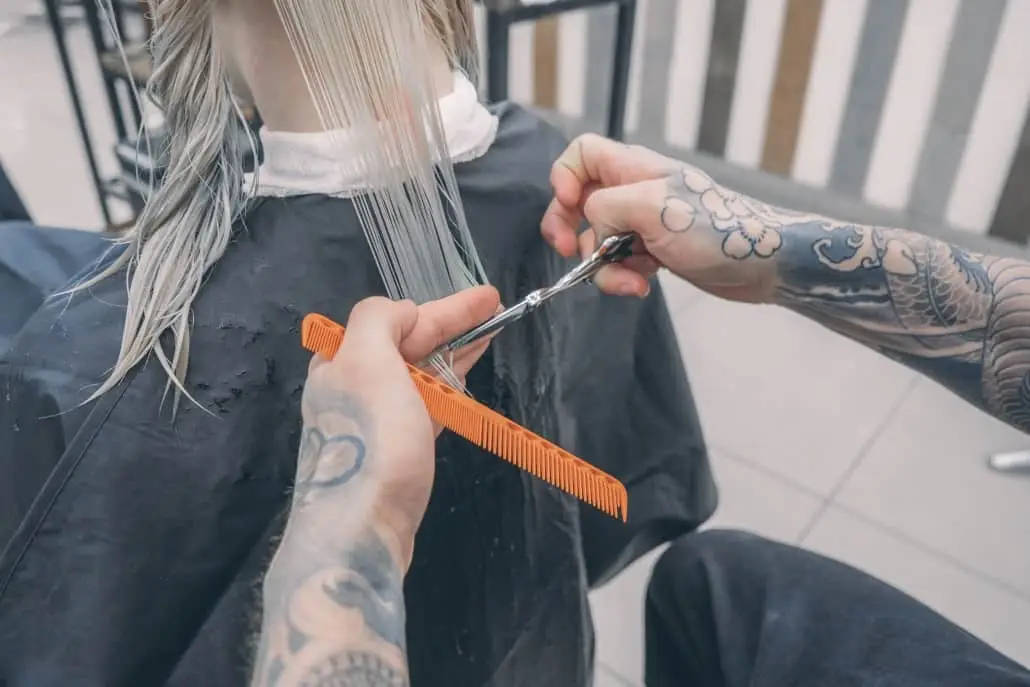


Scott M. is a world-renowned hairdresser and makeup artist whose client list includes Danica Patrick, Sandra Bullock, and Liza Minnelli. In 2009, he opened M. Scott Salon in Salt Lake City with no clients and no employees. Today it’s an intimate studio with more than 200 five-star reviews on Yelp and Google, and a calendar that mostly runs itself.
Scott came to Apptoto in 2015 for one thing: appointment reminders that worked with the Google Calendar he already used. He stayed for online booking, two-way texting that keeps his personal number private, and a way to reach every client at once when a stylist runs behind. More than a decade later, he’s one of Apptoto’s longest-standing customers. “I believe I may have been an early adopter of the service,” he said, “and was elated from day one.” Here’s how he uses it.
How M. Scott Salon uses Apptoto
Near 0
No-shows and late cancellations
“To the point of not happening.”
2015
Customer since
10+ years on Apptoto
200+
Five-star reviews
On Yelp and Google
4
Features
used daily
Reminders, booking, 1-time SMS, mass texts
About M. Scott Salon
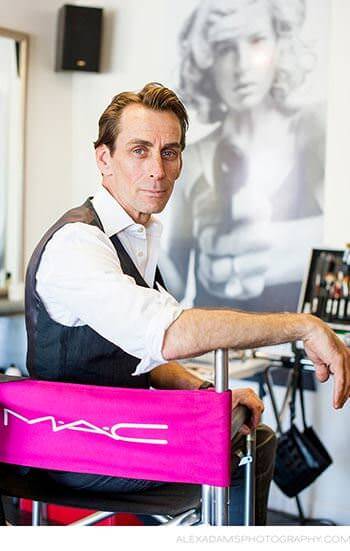
M. Scott Salon is a small, intimate hairdressing studio in Salt Lake City, Utah, built around a high-end client experience. Scott opened it with no clients and no employees and grew it steadily on referrals and reviews into a studio with a loyal book and a small team of three additional stylists. Scott runs the business on Google Calendar, which is where the Apptoto story starts.
The challenge: no-shows, email bookings, and personal cell numbers
The first problem was the one every salon knows. Clients forgot their appointment, showed up late, or had the wrong day in their heads, and each empty chair was an hour Scott couldn’t get back.
The second was booking. Clients emailed requests, and Scott handled every one by hand, checking the calendar, replying, and confirming.
The third was texting, which Scott calls out as a real workplace problem. “Before, we would have to use our personal mobile phones for this communication or our email system (sending via an antiquated SMS option), and the clients would then inadvertently collect our personal contact info.”
Three problems that all pointed at the calendar
- No-shows, late arrivals, and calendar confusion, with no automated reminders.
- Manual email booking, with Scott handling every request personally.
- Personal phones for client texts, exposing stylists’ numbers.
- No fast way to reach a whole afternoon of clients when a stylist ran behind.
Why Apptoto: Google Calendar integration without the expensive salon software cost
Scott spent a long time looking for a reminder service that would plug into the calendar he already used. “I was frustrated for some time until another round of research put me in touch with Apptoto,” he said. Most of what he’d found wanted him to move the whole salon onto a management suite, with scheduling, reminders, and notifications bundled at a price that’s hard to justify for a small studio. Apptoto let him keep his workflow and add features as he was ready.
“At first, Apptoto helped reduce no-shows, late-shows, and other calendar confusion by sending timely, automated reminders to our clients.
Since then, their enhancements of their service have made other scheduling/reminding/communicating options irrelevant.”
Scott M., M. Scott Salon
Works with Google Calendar
No new system to learn. New or updated calendar events automatically trigger appointment reminders.
Online Booking
Clients book and reschedule themselves on a booking page synced to Google Calendar.
Two-way SMS messages
Text a client, or let them text the salon, without sharing a personal number.
Mass text
Send a message to the next client, or all clients for the rest of the day, when a stylist runs late.
Cost mattered too. “In my industry, salon management (i.e., scheduling, reminding, push notifications, etc.) is expensive,” Scott said. “The commitment to Apptoto is easy and does not entail a large-scale financial outlay while getting the job done.”
A simple start, and a team behind the complex features
“It was very easy to get going,” Scott said. He’s candid about the rest: “While some functionalities are a bit robust (and therefore, complex), I’ve always found Apptoto’s staff immediately helpful, and they’ve gone the extra mile to ensure I don’t make mistakes.” When he was ready for online booking, the team walked him through that too, mentoring he calls “tremendously helpful and successful.”
Scott’s approach: start with reminders, add the rest later
He didn’t turn everything on at once. Automated reminders came first. Online booking, one-time SMS, and mass texting came as the salon grew into them. It’s the same approach we recommend to any salon starting a trial.
The setup: what a client sees from booking to chair

Online Booking
Client picks a time on the booking page; it lands in Google Calendar

Text reminder
Automatic, before the appointment

Mass
Text
One message to the next client or the whole afternoon

In the
chair
Reschedules happen on the booking page, not by phone
Beyond the reminder itself, Scott uses Apptoto to message every scheduled client before, during, and after their visit about salon events, news, and policy reminders. When a stylist falls behind, a mass text goes to the next client or, in his words, “the entire balance of the calendar day,” so clients adjust instead of waiting. And when a client needs to reach the salon, it goes through a one-time SMS thread: “I can text the client (or they can text me) while retaining privacy of our personal information.”
EXAMPLE REMINDER TEXT (ILLUSTRATIVE)
Hi Jen, this is M. Scott Salon. You’re booked with Scott on Thu, Oct 9 at 2:00 PM for a women’s haircut and color. Reply 1 to confirm, 2 to cancel, or 3 to reschedule. Need to change it? Reschedule anytime at https://mscott.apptoto.com/
The results: fewer empty chairs, more client thank-yous
“No-shows and late cancellations have been reduced DRAMATICALLY, to the point of near-not happening.”
Scott M
That’s the line Scott comes back to. The empty chairs filled up, and automation freed him up to take on more operational and client work. “It’s definitely opened up my time to address other administrative tasks to run my business.”
Clients noticed too. “I’ve had VERY positive feedback from my clients — often unsolicited,” he said. The surprise was which feature they liked most: not the reminders, but the booking page. When a client cancels, Scott points them to it, and they rebook themselves. “Interestingly, they enjoy the ease of rescheduling canceled appointments themselves.”
“Clients can now book themselves, whereas prior to this feature roll-out, the client would submit a Booking Request that I would have to then manually process via an email response.”
Scott M
Scott’s advice to other salons
“My advice is simple,” says Scott. “Look to Apptoto and its robust features, flexibility in use, outstanding support, affordable pricing, and stable platform and ease of use FIRST, before opting in to other options.”
Then there’s the part he showed rather than said: don’t try to learn it all at once. Start with the thing that hurts most, which for him was reminders, and add booking and messaging as you grow into them.
“If you have a small business like mine, or even a larger salon or other business, the mantra that you “cannot control that which you cannot measure” is paramount, particularly when it concerns expenses. The commitment to Apptoto is easy and does not entail a large-scale financial outlay while getting the job done.”
Scott M.
Questions hair salons ask about Apptoto
Yes. Connect your Google Calendar, and Apptoto automatically reads appointments from it, sends reminders to the client’s phone or email for the event, and writes replies and confirmations back. Nothing about how you book changes. It also works with Outlook, Office 365, iCloud, and most practice and salon software that syncs to a calendar.
Yes. Apptoto booking pages show your real availability from the calendar, let clients pick a service and time, and put the appointment straight into your calendar. Reschedule and cancel links in the reminder send them back to the same page, so a cancellation turns into a rebooking without a phone call.
Yes. Pick the affected appointments and send one message to all of them, or to just the next client. Replies come back into Apptoto’s inbox, not anyone’s personal phone.
No. Messages go out from an Apptoto number, which can be a local number for your area or your existing salon number. Clients text that number back, and you reply from Apptoto on the web or the mobile app.
Plans start at $39/month and scale with the number of appointments you send reminders for. There is a free 14-day trial, no setup fee, and a 20%+ discount if you pay annually. Most single-location salons fit in the starter tier. See current pricing.